
Submit a transaction
Prepare a purchase request, expense, stock adjustment, leave request or other supported record with its source details.
Route business transactions to the right people, apply approval limits and preserve a reliable decision history across purchasing, finance, HR, inventory and operations.

Loan applications move through approval with amounts, repayment terms and status visible at every step.
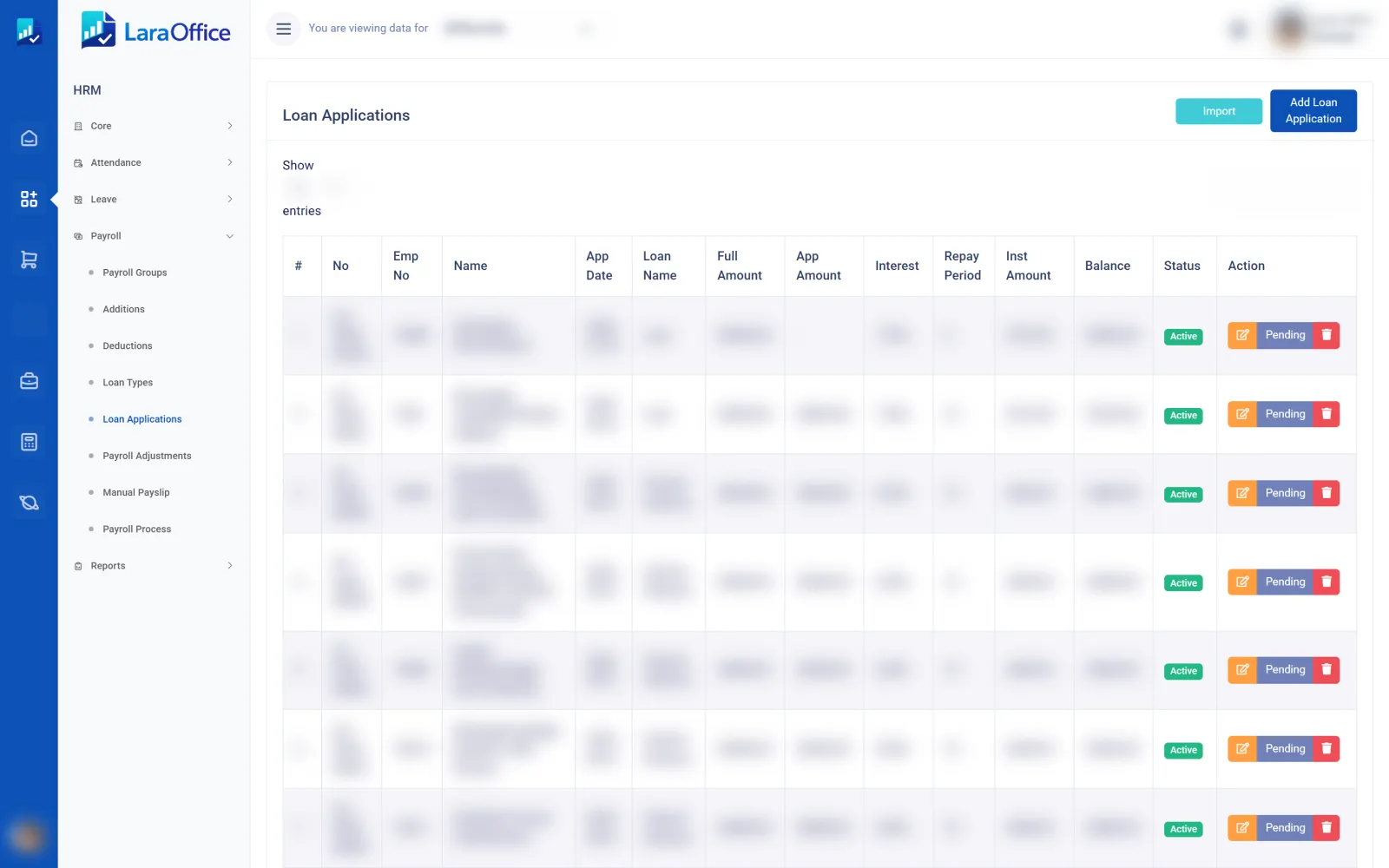
Create a predictable approval path for sensitive or value-based actions. Keep approvals separate from transaction execution so rejected or pending items do not silently change operational or financial records.
Prepare a purchase request, expense, stock adjustment, leave request or other supported record with its source details.
Determine the applicable approver, approval level, amount threshold, department, branch or other configured conditions.
Approvers inspect details, request changes, approve or reject, with a recorded user, timestamp and reason where required.
Only the appropriate approved state can proceed to posting or execution; preserve the transaction and decision history.

Make approval responsibilities clear and reduce reliance on informal messages. Rules should be explicit, testable and linked to the transaction being reviewed.
Build clear handoffs for common ERP transactions and keep exceptions visible until they are resolved.

Define one or multiple review levels and sequence them according to the transaction type and applicable policy.

Assign approval responsibility to authorized roles, departments or manager relationships instead of hard-coded user IDs.

Apply configured approval thresholds and route items that exceed a user's authority to the next eligible approver.

Support authorized delegation or reassignment with effective dates and a record of who acted on the request.

Surface pending tasks, reminders and status changes through configured in-app or external notification channels.

Review submitted values, decisions, timestamps, reasons, reassignment history and workflow turnaround.
Approval records are useful only when they gate the real operation. Connect each decision to the source document and enforce authorization on the server before posting, releasing or paying.

Design for real-world exceptions, duplicate requests and changes made after approval.
Check authorization server-side, restrict self-approval where required and keep approver permissions aligned with policy.
Define what happens when a submitted transaction changes: invalidate prior approvals or require reapproval for material changes.
Prevent duplicate actions, keep transitions auditable and use transactional posting so approval and execution cannot drift apart.
The intended design supports configurable conditions such as transaction type, value, department, branch and approval level. The actual rule engine must be implemented and tested against the organization's authority matrix.
Self-approval should be blocked wherever segregation-of-duties policy requires independent approval. Exceptions, if permitted, should be explicitly configured and auditable.
Material changes should invalidate the relevant approval or trigger reapproval according to policy. The system should preserve the earlier version and decision history.
Notifications can be connected to configured channels. Email, in-app alerts or other integrations require implementation, delivery-failure handling and appropriate user preferences.
No. This is a product information page describing the intended capabilities. Actual routing, permissions, notifications, audit records and transaction gates must be implemented and tested in the deployed Laravel application.
Discuss your approval matrix, authority limits, delegation rules and cross-module transaction controls with our team.

Connected business management across commercial, financial, workforce and operational processes.
info@laraoffice.com →Chat with LaraOffice
Tell us a little about you, then continue on WhatsApp.
