
Product records
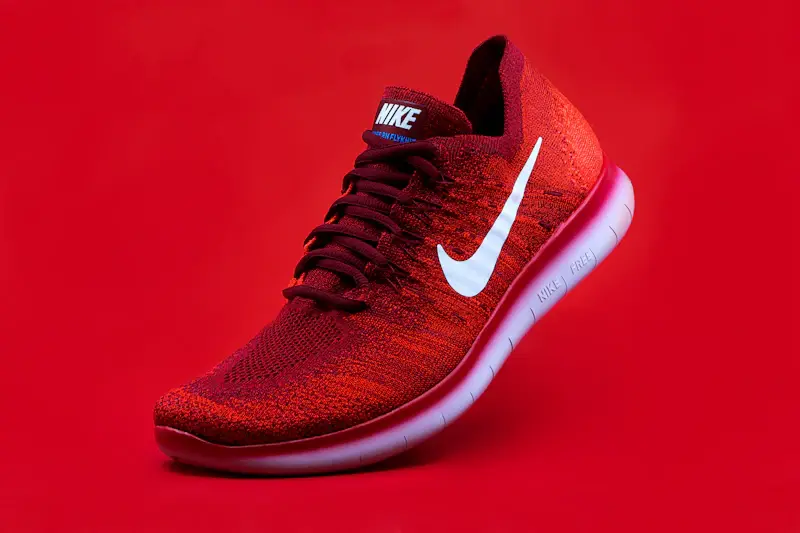
Maintain item names, codes, descriptions, categories, brands, images and active status for physical goods.
Organize the products you sell, the items you buy and the services you deliver. Keep item details, categories, units, prices and tax settings consistent across the workflows that depend on them.

Build a consistent catalog that supports the way your organization sells, purchases, stores, delivers and reports on items.
Maintain item names, codes, descriptions, categories, brands, images and active status for physical goods.

Define service descriptions, billing units, standard rates and applicable tax settings without treating services as stock items.

Maintain approved selling and purchasing prices, currencies and tax classifications where supported by the system.

Define units of measure and stock-tracking rules for physical goods, with conversion rules where your operations require them.

Support item identifiers such as SKU or barcode and, where implemented, options like size, color, pack or model.

Reference the same catalog records in quotations, sales orders, purchase orders, invoices and operational reports.
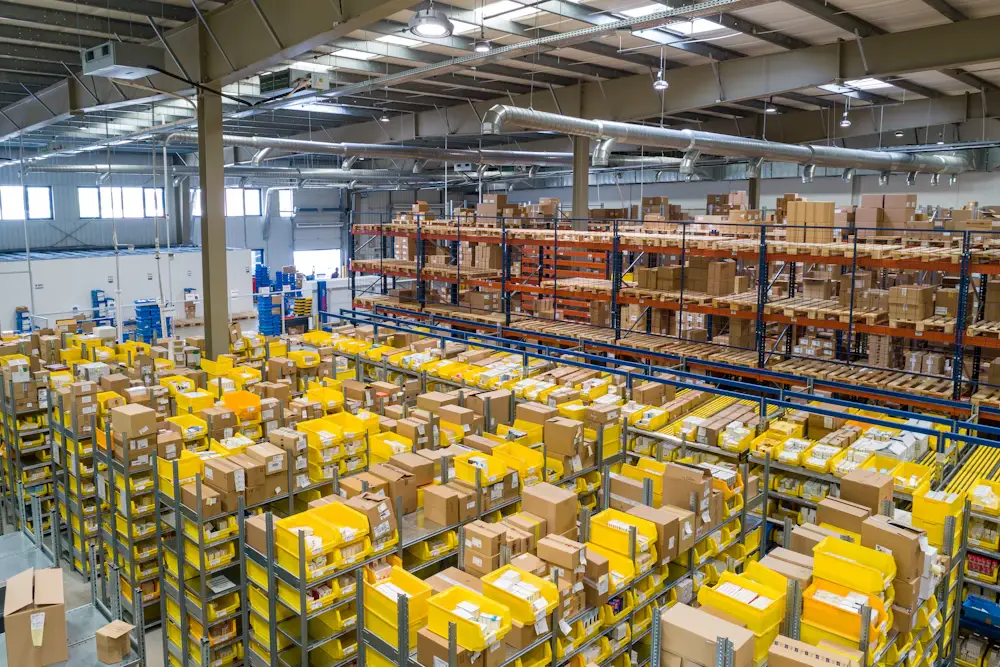
Physical products and services share catalog basics, but their operational needs are different. Model each type so stock, costing and billing behave correctly.
This sample list demonstrates how item type, code, category and price might appear together in a catalog workspace.
Prices, item codes, categories and descriptions are fictional examples. They do not represent current LaraOffice database records, tax calculations or recommended market prices.
Set up a controlled process so teams can trust the catalog and avoid changing historical transaction meaning.
Enter a unique code, item type, category, unit and required descriptive fields.
Set price, tax treatment, stock tracking, supplier references and permissions as applicable.
Select catalog records in sales, purchasing, billing and inventory workflows.
Update approved details, track changes and deactivate obsolete records safely.

Item master data influences pricing, stock movements, purchasing, billing and reporting. Use clear ownership and validation to keep it reliable.
They can share a catalog interface while using distinct item types and validation rules. Physical stock behavior should only apply to items configured for inventory tracking.
A system can support alternate units and conversion factors where that capability is implemented. Conversion rules should be validated carefully so quantities, costing and stock balances remain consistent.
Catalog records can be referenced in customer transactions and linked to supplier purchasing information where the related modules support those relationships.
Bulk import can be added or used if supported by your deployment. A safe import process should validate required fields, unique codes, units, categories and tax settings, then report rejected rows.
No. This page contains a static design preview with fictional items and prices. Live product CRUD, search, pricing rules, taxes, imports and module integrations require backend implementation and configuration.
Build a dependable foundation for quotations, orders, inventory, purchasing, billing and business reporting.

Connected business management across commercial, financial, workforce and operational processes.
info@laraoffice.com →Chat with LaraOffice
Tell us a little about you, then continue on WhatsApp.
