

Branch sales & POS
Associate sales, returns, receipts and cash-up records with the location where the transaction took place.
Connect branch operations, stock, staff and reporting in one business management approach—while giving each location the access and flexibility it needs to serve customers.

Set up branches under each company with codes, types and status, then work in one branch or across all.
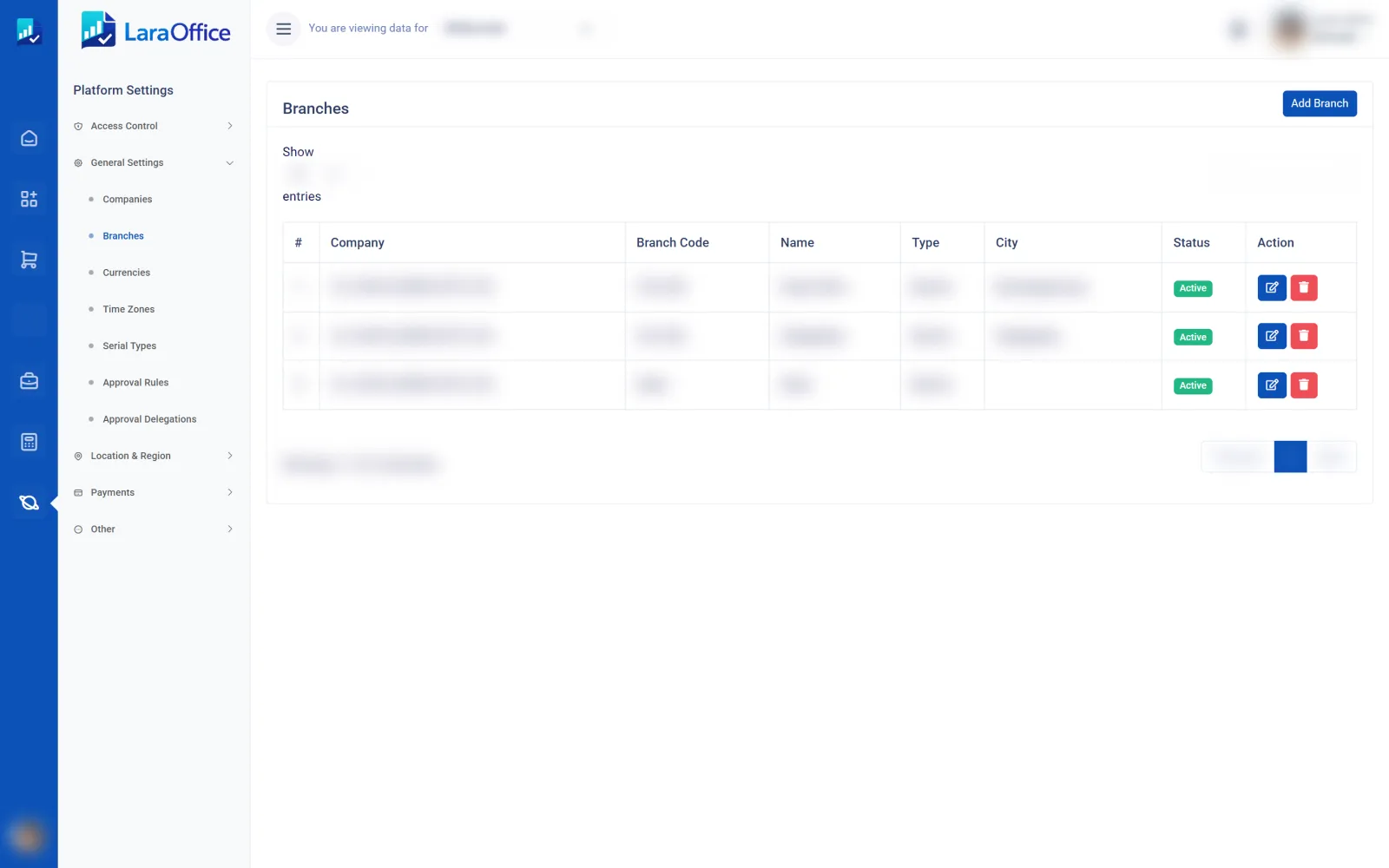

Manage branches as distinct operating locations while maintaining shared business standards. Users can work within their assigned scope, and authorized managers can compare performance across locations.
Give branch teams useful day-to-day tools and help head office understand what is happening across the organization.
Associate sales, returns, receipts and cash-up records with the location where the transaction took place.

View available stock per branch or warehouse, track transfers and maintain traceable stock movement records.

Assign employees, supervisors and operational responsibilities to the correct branch and team.

Attribute approved expenses and transactions to the correct location for better accountability and review.

Compare sales, stock, expenses and operational indicators across locations using consistent definitions.

Apply common product, pricing and approval rules, with controlled exceptions when branches need them.
Use a clear sequence for setting up locations, processing activity and reviewing results.
Record location details, warehouse links, operating rules and the responsible manager.
Grant authorized access and define the stock locations and products available to the branch.
Process sales, receipts, transfers, returns, expenses and staff activity against the correct location.
Compare branch performance and reconcile stock, cash and financial records under approved controls.
Branch reporting is only useful when transactions, inventory and permissions consistently reference the correct location.
Enforce access limits in server-side policies, database queries, exports, APIs and background jobs.
Record source and destination locations, quantities, authorizations and confirmations for transfers.
Use shared definitions, reporting periods and cost methods so branch comparisons remain meaningful.
Reconcile sales, returns, payment methods, cash-up and financial postings for each location.
The intended setup supports branch assignments and role-based access. The Laravel backend must validate each user's permitted branch scope for every operation, including API requests, exports and background tasks.
A controlled transfer workflow should record the source, destination, item quantities, dispatch and receipt confirmations, and stock ledger movements. In-transit stock handling may be needed depending on your process.
Yes, if reporting is configured to aggregate consistent measures such as sales, returns, expenses and stock. Access to organization-wide reports should be restricted to authorized roles.
Shared defaults with controlled branch-level exceptions are a useful design. Decide which settings are global and which can vary by location, then validate them in the backend.
No. This is a frontend product page. The application needs backend branch relationships, authorization policies, location-aware stock and transaction records, reporting filters, and tests to prevent cross-branch data leakage.
Discuss your locations, stock transfers, branch permissions and reporting needs with the LaraOffice team.

Connected business management across commercial, financial, workforce and operational processes.
info@laraoffice.com →Chat with LaraOffice
Tell us a little about you, then continue on WhatsApp.
