
01
Receive
Match incoming goods against purchase orders or transfer notices and record accepted, rejected or damaged quantities.
Coordinate stock across warehouses, storage zones and bins with controlled transfers, traceable movements and fulfilment workflows designed to keep inventory records dependable.

Move stock between branches and stores with transfer entries, copies and received-quantity tracking.
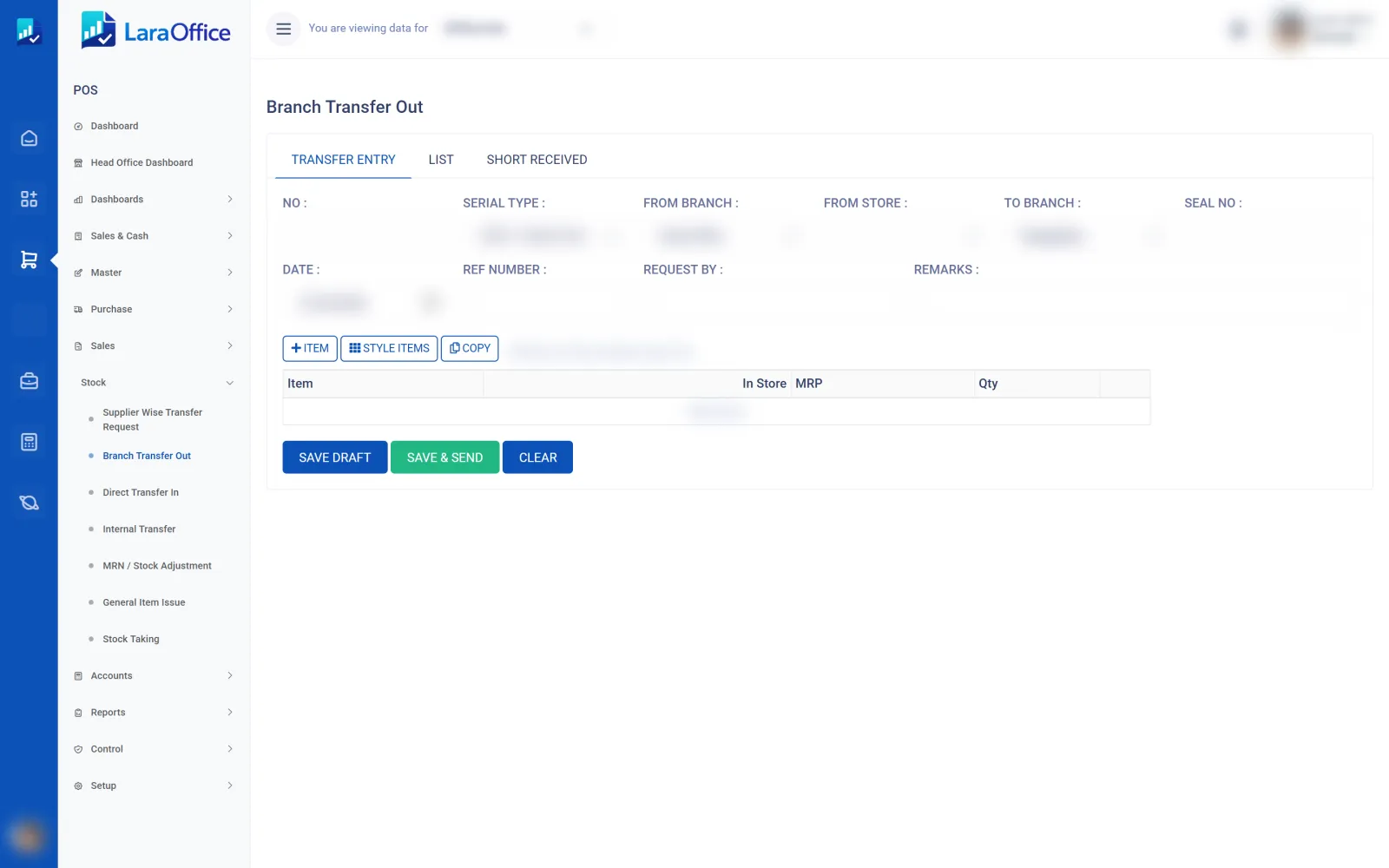
Keep physical activity and system records aligned at every stage of the warehouse lifecycle.
Match incoming goods against purchase orders or transfer notices and record accepted, rejected or damaged quantities.
Assign stock to warehouse zones and bins with product, lot, serial or expiry details where applicable.
Allocate available stock, create pick tasks, verify quantities and prepare orders for dispatch.
Confirm goods leaving the warehouse, update inventory ledgers and investigate variances.

Track stock at the level your operation needs, from warehouse to zone and bin. A clear location model helps teams answer where stock is held, what can be allocated and what is in transit.
Build a reliable record of inventory activity while helping warehouse teams work efficiently.

Define warehouses, zones, bins and permitted stock locations to support organized storage and accurate picking.

Capture expected versus received quantities, inspection outcomes and final storage locations.

Reserve and pick order lines, verify packed quantities and confirm goods issue at dispatch.

Track transfer requests, approval, dispatch, in-transit quantities and destination receipt without losing movement history.
Count selected bins, compare physical quantities with system balances and approve reason-coded variances.

Review stock by warehouse, bin, status and movement history, including lot, serial and expiry details where configured.
Accuracy depends on disciplined transactions, controlled exceptions and reconciliation—not simply a quantity displayed on screen.
Keep a traceable record of receipts, issues, transfers, returns, adjustments and other inventory movements.
Separate available stock from allocated quantities and define when reservations expire or are released.
Track regulated or time-sensitive items using the identifiers and validation rules relevant to each product.
Reconcile inventory valuation with financial postings using the configured costing and accounting policy.
Warehouse management works best when it connects to purchasing, sales, production, returns and finance through validated transactions.

The intended data model supports multiple warehouses and, where needed, zones and bins. Each stock transaction should reference a valid location and enforce the rules for that location.
A robust transfer process records the source and destination, item quantities, authorization, dispatch and receipt confirmations. For transfers that take time, track stock in transit instead of making it instantly available at both locations.
Yes, if the relevant product tracking rules and transaction validations are configured. Enforce required identifiers on receipt, picking, transfer, return and dispatch where applicable.
Yes, provided inventory movements generate the expected valuation entries and reconciliation reports. Costing method, posting accounts, period controls and adjustments need to be defined and tested.
No. This is a frontend product page. The Laravel backend needs the warehouse/bin data model, stock ledger, transaction rules, authorization, reservation logic, costing integration and reconciliation tests.
Discuss your warehouse layout, transfer process, picking needs, stock controls and finance integration with the LaraOffice team.

Connected business management across commercial, financial, workforce and operational processes.
info@laraoffice.com →Chat with LaraOffice
Tell us a little about you, then continue on WhatsApp.
