
⌂
Super Administrator
Manages system configuration, role definitions and authorized organization-wide settings. Privileged actions should be tightly restricted and audited.
Define what each person can view, create, update, approve and administer. LaraOffice role-based access concepts help align system permissions with job responsibilities and company boundaries.

Create roles and assign permissions so each user sees and does only what their job requires.
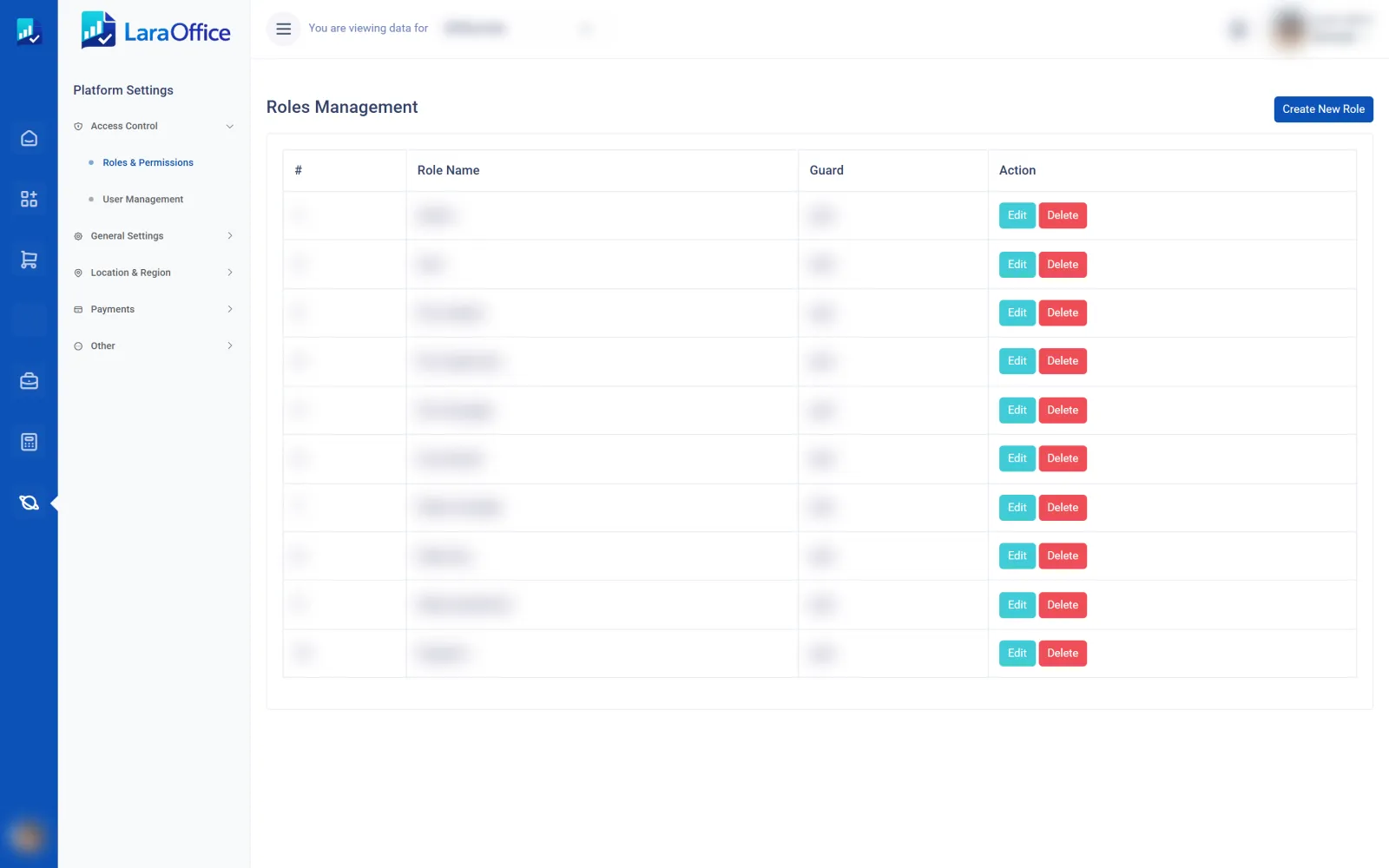

A secure permission model starts with clear roles, then grants only the actions needed for each responsibility. Sensitive operations such as payroll changes, supplier bank updates and financial approvals need extra controls.
These are example role patterns, not fixed permissions. Your administrator should adapt them to the actual duties and separation-of-duties requirements of each business.
Manages system configuration, role definitions and authorized organization-wide settings. Privileged actions should be tightly restricted and audited.
Manages permitted company settings, users and operational configuration without automatically receiving access to other companies.
Reviews branch activity and handles approved local operations, staff coordination and location-level reports.
Works with permitted invoices, payments, journals and reconciliations; approval and posting rights can be separated.
Accesses authorized employee and payroll information with additional restrictions for salary data, bank details and sensitive records.
Reviews allowed records and reports without transaction-changing privileges. Export access can be separately controlled.
A sample matrix shows how permissions can differ by role. Replace this illustrative matrix with your approved access policy and actual deployed permission configuration.
| Action | Administrator | Manager | Officer | Auditor |
|---|---|---|---|---|
| View permitted records | ✓ | ✓ | ✓ | ✓ |
| Create operational records | ✓ | ✓ | ✓ | — |
| Edit submitted transactions | Limited | Limited | Limited | — |
| Approve sensitive transactions | By policy | Assigned scope | — | — |
| Manage roles & permissions | ✓ | — | — | — |
| Export sensitive data | By policy | By policy | By policy | By policy |
A hidden button is not a security boundary. Authorization must be enforced by the server for every request.

Check permissions in Laravel middleware, policies, gates and service-layer operations—not only in the interface.

Prevent users from approving their own sensitive transactions when policy requires independent review.

Log permission changes and privileged actions, review dormant accounts and remove access when responsibilities change.
List job functions, sensitive data and the actions each position actually needs.
Create role templates and separate view, edit, approve, export and administration privileges.
Limit users to approved companies, branches and data categories; apply deny-by-default rules.
Test allowed and denied actions, log critical events and periodically recertify access.
A permission describes a specific allowed action, such as viewing invoices or approving a purchase order. A role groups related permissions so administrators can assign access consistently to users with similar responsibilities.
Many role-based systems support multiple roles, but the final effective access rules must be explicit and tested. Avoid accidental privilege escalation when roles overlap.
Yes, if the application implements data-scope authorization in addition to action permissions. Every relevant request must verify both what the user can do and which records they can access.
Not automatically. Use approval limits, separation-of-duties rules and independent review for sensitive transactions. Emergency access should be controlled, logged and reviewed.
No. This is a frontend product page. The backend must define permission records, role assignments, middleware or policies, data scopes, audit events and tests. If using Spatie Laravel Permission, configure and validate its guards, teams or tenant scope as appropriate for your application.
Discuss role design, company and branch scope, approval controls and audit requirements with the LaraOffice team.

Connected business management across commercial, financial, workforce and operational processes.
info@laraoffice.com →Chat with LaraOffice
Tell us a little about you, then continue on WhatsApp.
