
Attendance validation
Review missing punches, late arrivals, early departures and duplicate or incomplete records before closing the period.
Bring attendance, shifts, approved leave and overtime review into a clear payroll preparation process. Help HR and finance teams resolve exceptions before time records become payroll inputs.

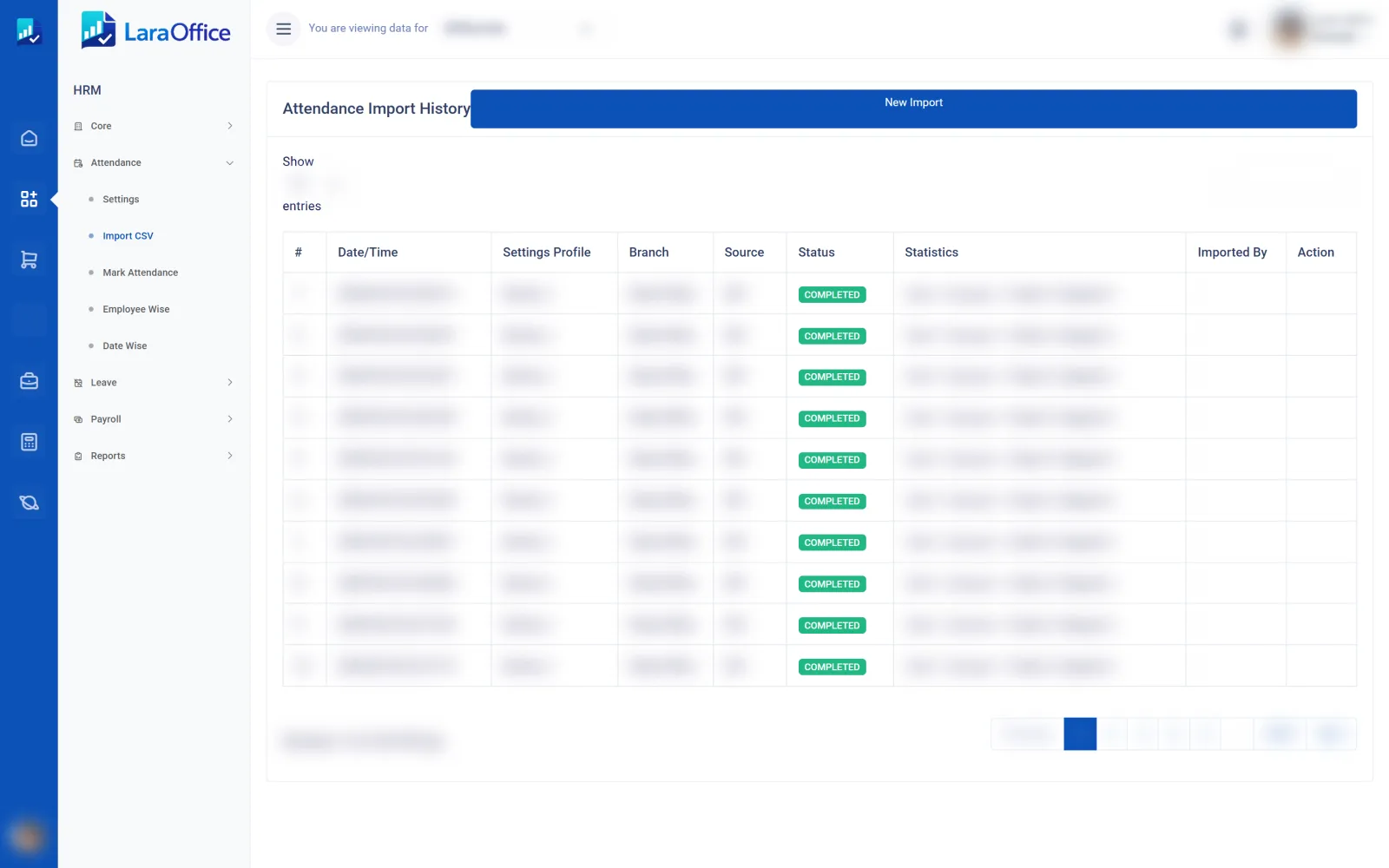
Every attendance import is logged with its source, status and statistics before it feeds payroll.
Reduce last-minute corrections by using a defined sequence for validating attendance, applying approved rules and handing off payroll inputs.
Review missing punches, late arrivals, early departures and duplicate or incomplete records before closing the period.
Compare recorded time with assigned shifts, rest days, holidays and approved schedule changes.
Calculate or review eligible overtime using configured policies, approval rules and applicable employment requirements.
Reconcile approved leave, unpaid absences and attendance adjustments against the relevant employee records.
Route corrections and overrides to authorized reviewers, retaining reasons and supporting records where required.
Pass validated time-related inputs to payroll and compare the results with attendance summaries before final approval.

Attendance data needs context. A missing punch, shift change or overtime entry should be reviewed against approved schedules and policy rather than silently converted into a payroll amount.
Give HR, supervisors and payroll staff clear responsibilities at each stage.
Gather attendance punches, schedules, leave records and approved adjustments.
Review missing records, overtime, absences and schedule exceptions with supervisors.
Confirm the attendance period is complete and lock or control further changes appropriately.
Transfer validated inputs, calculate pay using configured rules and reconcile before final approval.
Explore how LaraOffice can fit your shifts, attendance devices, overtime policies, leave rules and payroll cycle.
Important considerations for building a reliable time and payroll process.
That depends on the device, integration method and data mapping. Device records should be validated and exceptions reviewed before being used in payroll calculations.
Overtime calculation requires configured shift rules, eligible hours, approval requirements, rates and jurisdiction-specific policies. The results should be tested against representative cases.
Flag incomplete records, request supervisor or employee clarification, record an authorized correction and preserve the reason and change history where required.
Approved leave and unpaid absences may affect payroll depending on the leave type, employment terms and applicable law. Those rules must be configured and validated for your organization.
No. Payroll rules differ by country, employment category and current law. Validate statutory requirements, overtime treatment, deductions and reporting with a qualified local payroll or legal professional.
This is a static marketing page. Live device imports, shift calculations, approval routing, payroll handoff and statutory calculations depend on the modules, configuration and backend functionality enabled in your deployment.

Connected business management across commercial, financial, workforce and operational processes.
info@laraoffice.com →Chat with LaraOffice
Tell us a little about you, then continue on WhatsApp.
