
Maintain employee records
Use a consistent employee master as the foundation for payroll processing.
- Employee number and employment status
- Department, branch and designation
- Effective-dated salary and bank details
Connect employee master data, attendance, leave, approved additions and deductions, payroll calculation and payslip review in a traceable workflow. LaraOffice helps HR and finance teams coordinate payroll inputs and review exceptions before final approval.
Set up allowances, incentives and deductions as reusable pay components that flow into every payroll run.
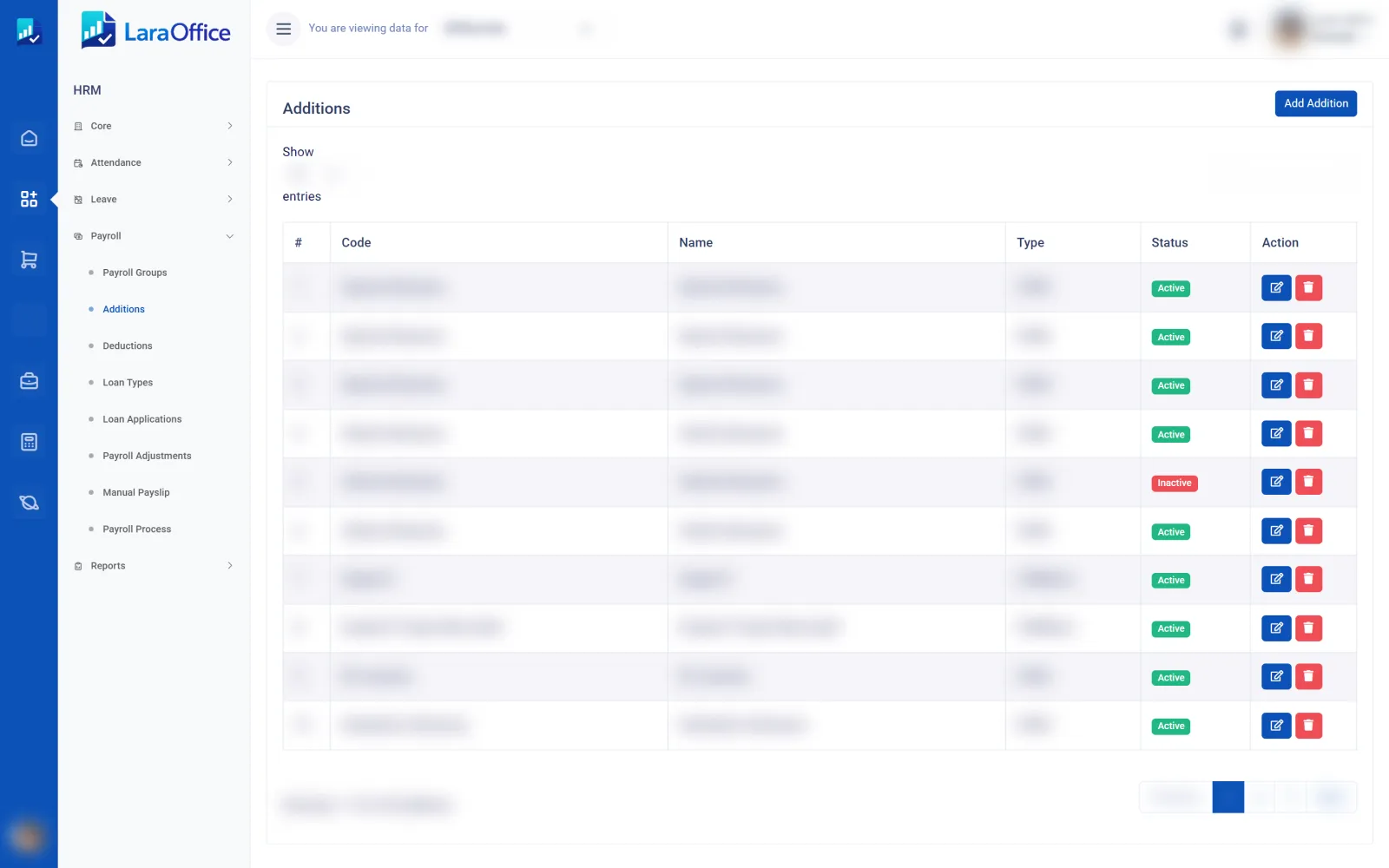
Reduce manual re-entry by organizing the records and checks that contribute to each payroll period.
Use a consistent employee master as the foundation for payroll processing.
Review time and attendance records before they affect payroll.
Connect approved leave and absence information to payroll rules.
Apply approved earnings and adjustments according to defined rules.
Apply deductions using documented payroll rules and authorized inputs.
Validate results before approval, payslip generation and posting.
Payroll accuracy depends on effective employee data, approved changes and consistent calculation rules. Use a repeatable period-end process to investigate exceptions and keep a record of review and approval.
Confirm period dates, employee eligibility and cut-off rules.
Collect attendance, leave, additions, deductions and adjustments.
Apply configured formulas, rates, limits and effective dates.
Check variances, totals, deductions and employee-specific issues.
Generate payslips and connect approved totals to finance or payment processing.
Confirm the data handoffs between HR, timekeeping, payroll, payments and accounting during implementation.
Employee status, job assignment and effective-dated changes provide payroll context.
Approved time records and shift rules feed payroll inputs where the modules are connected.
Approved leave and unpaid absence can inform payroll calculations according to policy.
Approved payroll totals can be mapped to wage expense, liabilities and other configured ledger accounts.
Approved net pay may feed payment files or bank workflows where supported and authorized.
Retain payroll registers, variance reports and a review trail for operational oversight.
Payroll contains confidential employee and compensation information. Apply role-based access, controlled changes, period locking and clear separation between calculation, approval and payment release.
Limit employee, salary, bank and payslip data to authorized roles.
Record who approved salary, status and payroll-rule changes.
Test formulas and edge cases before production payroll runs.
Control reruns, reversals and post-approval adjustments.
Validate current jurisdiction-specific tax, contribution and reporting rules.
Review employee data, attendance cut-offs, payroll formulas, approval rules, payslips and finance integration with the LaraOffice team.
Key questions when connecting HR information to payroll processing.
It describes the workflow that connects employee master data and approved changes with attendance, leave, earnings, deductions, payroll calculation, payslips and financial posting.
They can when the relevant modules and rules are integrated. Confirm how approved overtime, unpaid leave, shift premiums and attendance exceptions are mapped to payroll inputs.
Available formula and rule capabilities depend on the deployed edition and implementation. Test additions, deductions, rounding, eligibility, caps and effective dates against approved payroll examples.
Where finance integration is implemented, approved payroll totals can be mapped to designated expense and liability accounts. Reconcile the payroll register to the resulting journal entries.
No. Statutory calculations and reports must be validated against current laws and official guidance for the relevant jurisdiction, then tested and reviewed by qualified payroll or finance personnel.
Use least-privilege access, secure storage and transmission, controlled exports, approval history and retention policies appropriate to your organisation and applicable privacy requirements.

Connected business management across commercial, financial, workforce and operational processes.
info@laraoffice.com →Chat with LaraOffice
Tell us a little about you, then continue on WhatsApp.
