
Quotations
Prepare quotations from products, services and price lists, track validity and revisions, and convert accepted quotes into orders.
Manage quotations, sales orders, price lists, customer assignments, territories, targets and commissions in one connected sales workflow that hands off cleanly to inventory, fulfilment and billing.
Capture customer, channel, terms, delivery address and items, then save a draft or submit the order.
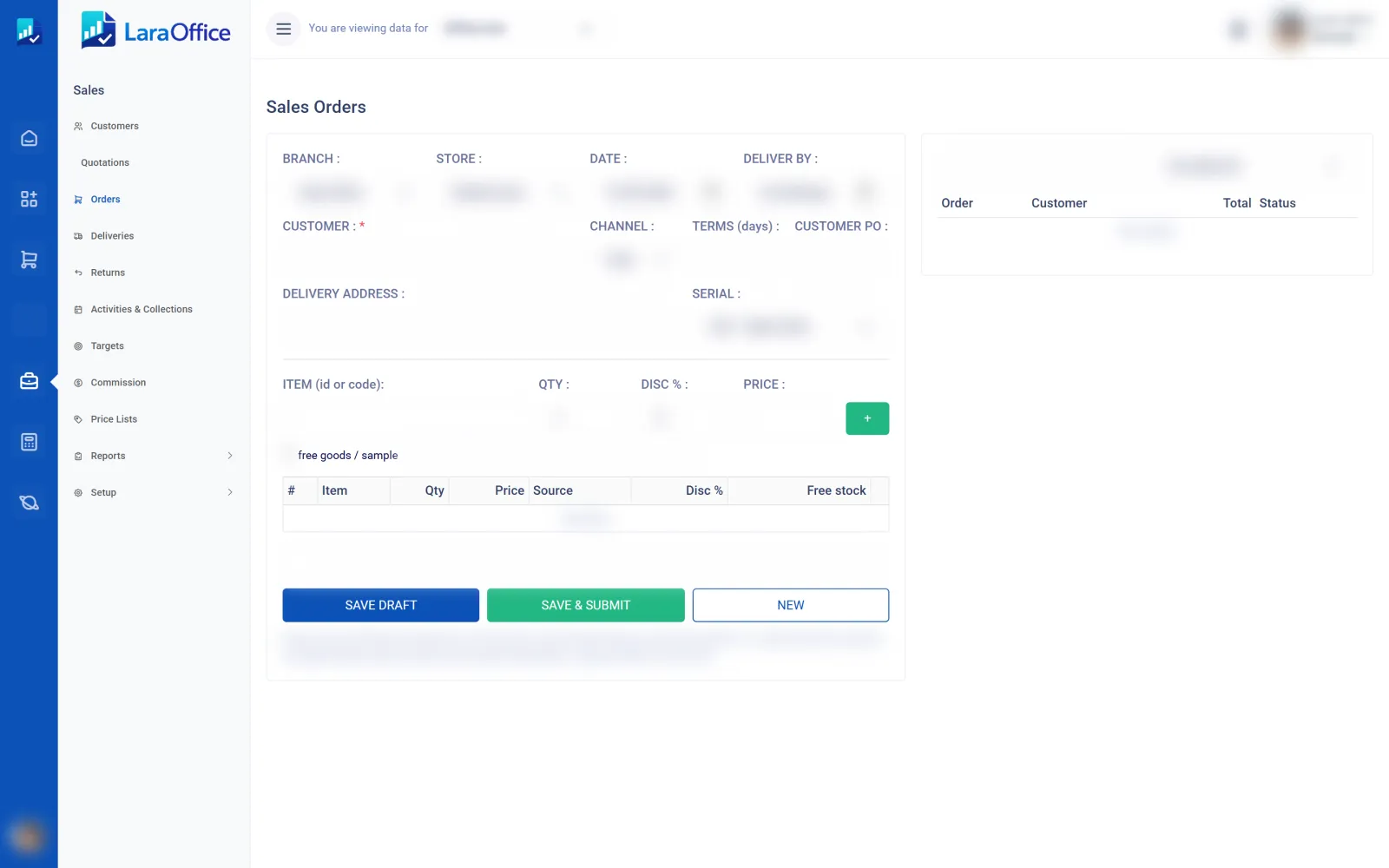
Sales management turns customer demand into accurate, approved orders, with the pricing, ownership and performance information your team relies on.
Prepare quotations from products, services and price lists, track validity and revisions, and convert accepted quotes into orders.
Capture orders with defined approval steps for discounts, credit limits and exceptions before they move to fulfilment.
Maintain price lists, customer-specific pricing and discount rules so salespeople quote consistently.
Assign customers to salespeople, teams, branches and territories with clear ownership.
Set targets by person, team, territory or period and compare them with confirmed sales.
Define commission rules and calculate earned commission from qualifying orders and receipts.
A sales order is not the end of the sale. It reserves stock, starts fulfilment and becomes the source for billing and receipt, so the information needs to be right the first time.
Illustrative interface only. Availability depends on the final product scope.
Start with the structure your team already uses, then add controls and performance tracking as the process matures.
Agree the products, services, price lists and discount rules your team can quote.
Assign customers to salespeople, teams and territories.
Decide which quotations and orders need review, and by whom.
Set targets and commission rules, then review performance each period.
Sales management connects with the modules before and after the order.
Understand the intended workflow and how to discuss requirements for your organisation.
Tell us how your team quotes, approves and confirms orders today.

Connected business management across commercial, financial, workforce and operational processes.
info@laraoffice.com →Chat with LaraOffice
Tell us a little about you, then continue on WhatsApp.
