
Order release and prioritization
Identify orders eligible for fulfilment and organize work by agreed priorities, due dates or service requirements.
Connect order picking, packing verification and dispatch handovers in a clear fulfilment workflow. Help warehouse teams prepare the right items, catch exceptions before shipment and keep order status visible.
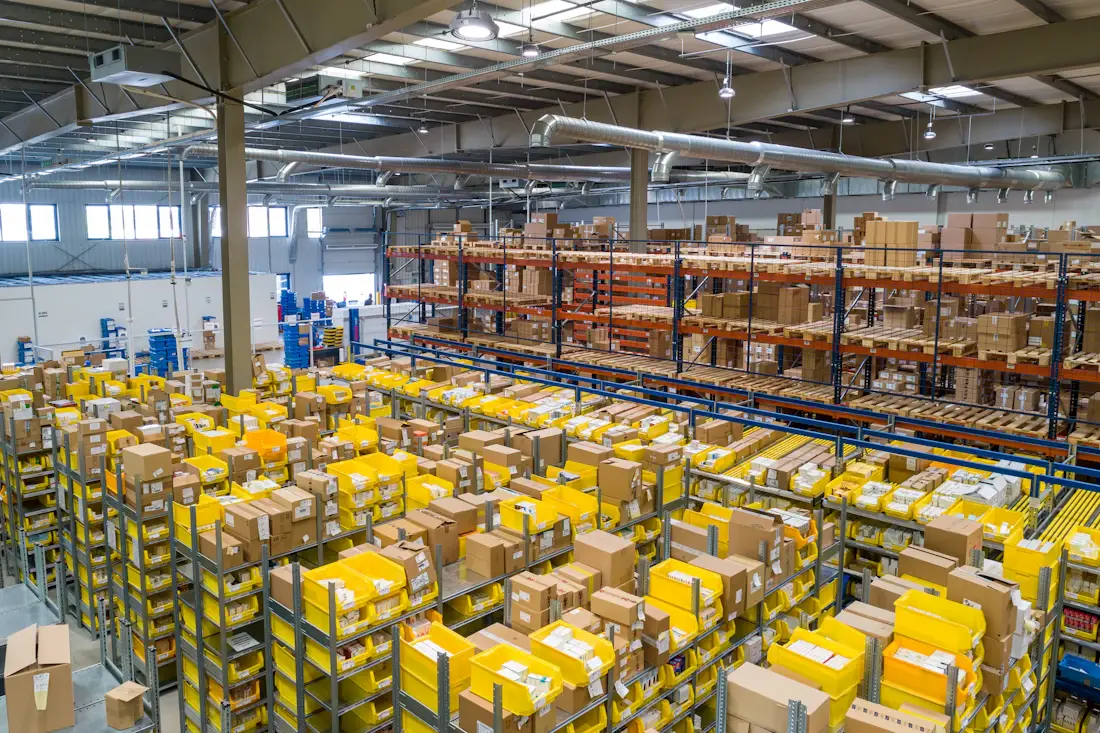
Give teams a repeatable process from released order to packed shipment, with clear status changes and exception handling.
Identify orders eligible for fulfilment and organize work by agreed priorities, due dates or service requirements.
Show the products, quantities and storage locations needed for an order or picking batch, where location data is available.
Confirm item identity and quantity before an order moves forward, with barcode scanning if supported by your setup.
Verify the order contents, packaging requirements and included documents before sealing a parcel or consignment.
Record shipment details and handover status, with carrier labels or tracking integration only where configured.
Flag short picks, damaged goods, substitutions and packing discrepancies for review before dispatch.

Errors discovered after dispatch are more expensive to resolve. A consistent verification step helps staff check each order against its source records before shipping.
Give every order a traceable path, while allowing exceptions to be reviewed before the next stage.
Validate order status, stock availability and fulfilment priority before work begins.
Collect the requested SKUs and quantities, then record shortages or substitutions for review.
Check contents, quantities and packaging requirements against the order details.
Record handover, shipment details and the resulting order status.
Explore how LaraOffice can fit your warehouse layout, order volume, fulfilment rules and dispatch process.
Practical points to consider when designing an order fulfilment workflow.
It covers releasing an eligible order, collecting the right products and quantities, verifying the packed contents, and recording shipment handover and status.
Barcode-assisted picking is possible when the required scanning interface, product identifiers and device support are implemented and tested in your deployment.
That depends on warehouse and stock-location configuration. The system should identify the fulfilment location, prevent unintended stock movements and handle split fulfilment explicitly.
Courier labels, tracking numbers and status updates require a supported carrier integration or a defined data exchange process. They are not automatically available just because this page describes dispatch.
Record the discrepancy, keep the order in an appropriate exception state and require an authorized decision such as replenishment, substitution, partial shipment or cancellation.
This is a static marketing page. Live pick lists, barcode scanning, packing verification, dispatch updates and carrier integrations depend on the modules and backend functionality enabled in your deployment.

Connected business management across commercial, financial, workforce and operational processes.
info@laraoffice.com →Chat with LaraOffice
Tell us a little about you, then continue on WhatsApp.
